
Pathway: Admin>Interventions>Intervention Catalog
Interventions are the actions you are taking to address the area of need. These can be specific to a skill area (such as Reading Comprehension).
-
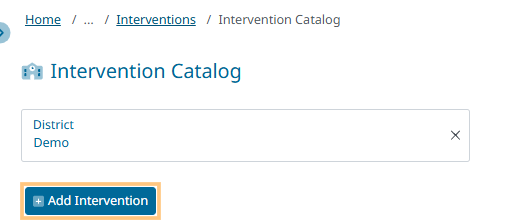
Select Intervention Catalog

-
Click on the + Add Intervention
-
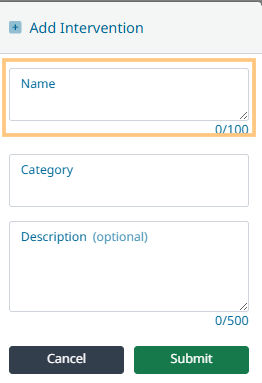
Enter the new Intervention Name
-
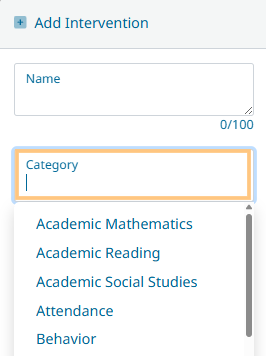
Select a Category from the drop-down list
-
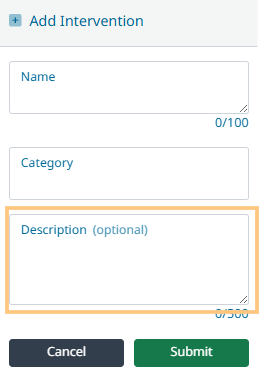
Add a description (optional, but recommended!)
-
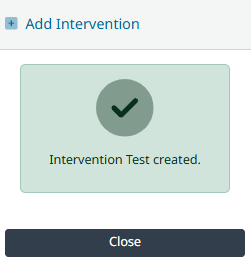
Click Submit to save New Intervention