-
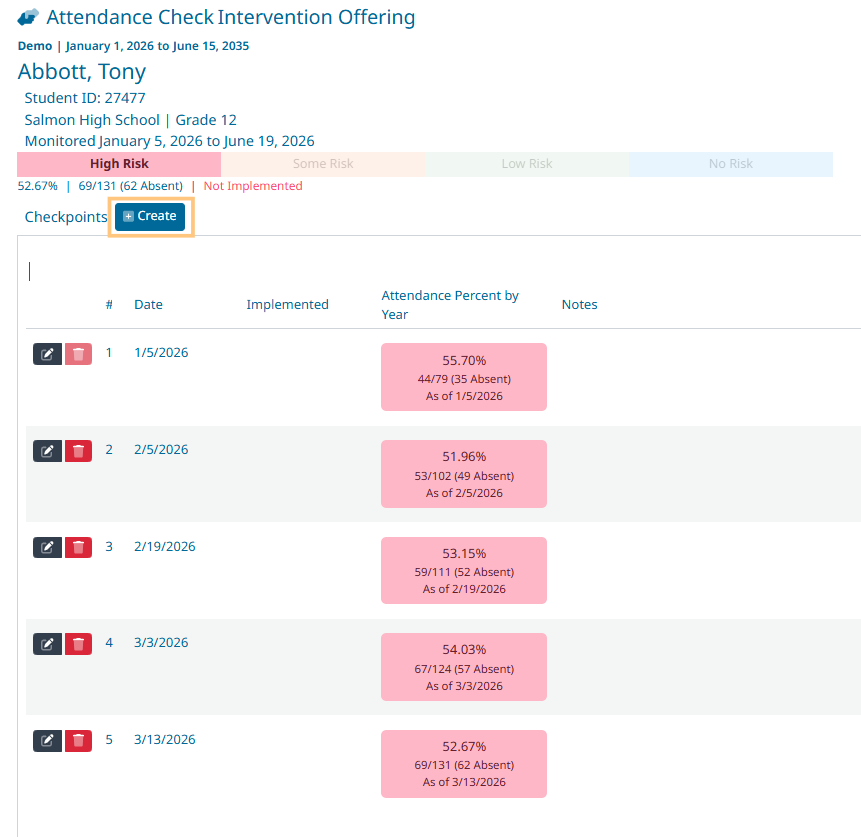
Click +Create next to Checkpoints
-
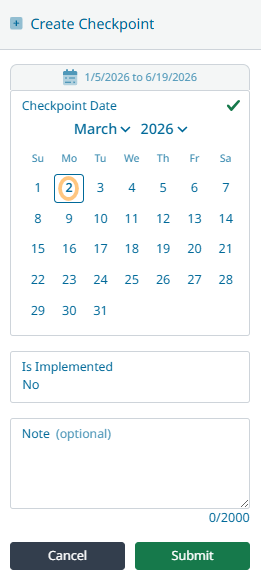
Select the Date for the new checkpoint
-
Add note (optional)
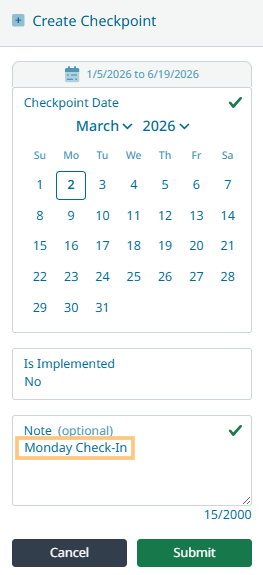
Notes are viewable to everyone who has access to the student.
-
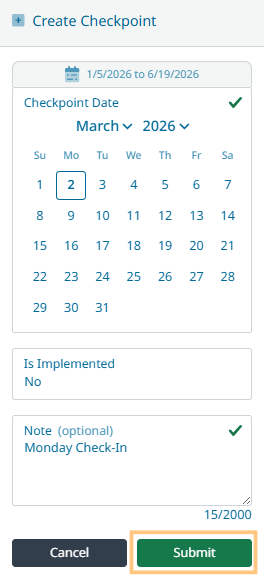
Click Submit
-
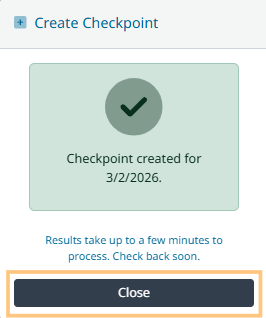
Click Close


Click +Create next to Checkpoints
Select the Date for the new checkpoint
Add note (optional)
Notes are viewable to everyone who has access to the student.
Click Submit
Click Close