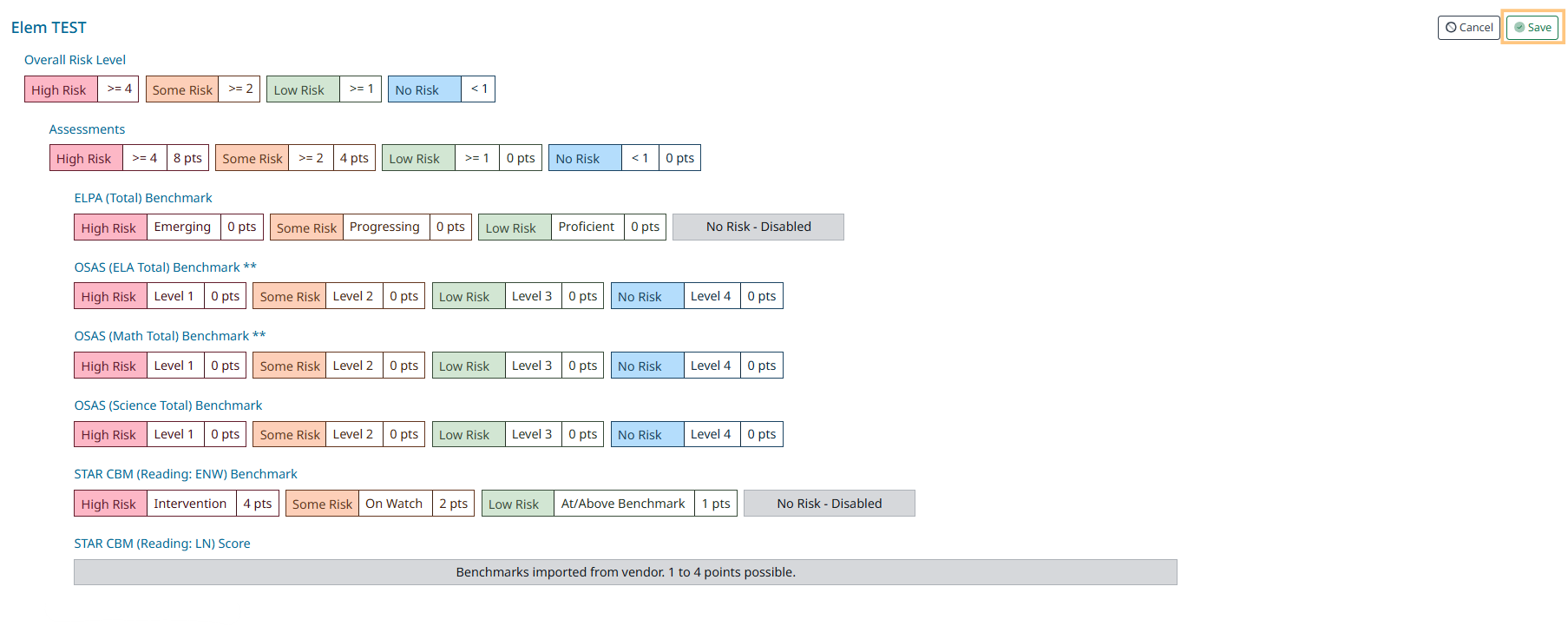

Example: Assessment indicators
-
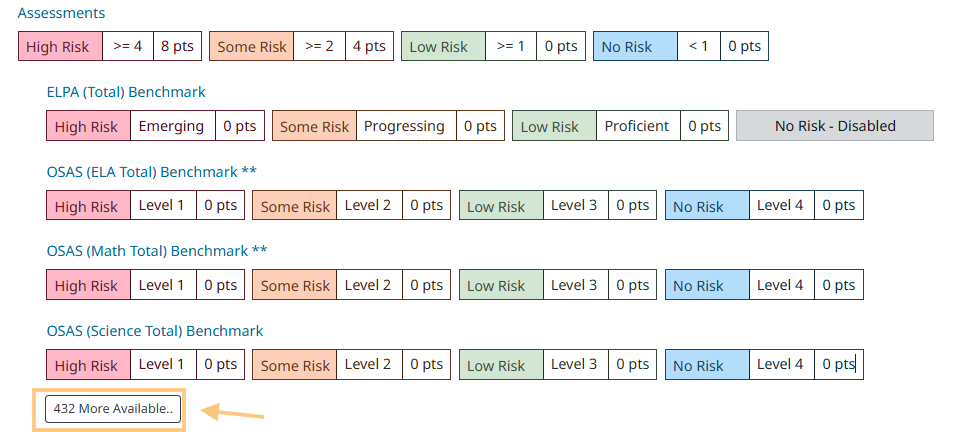
Click the “More Available” link to see more indicators
-
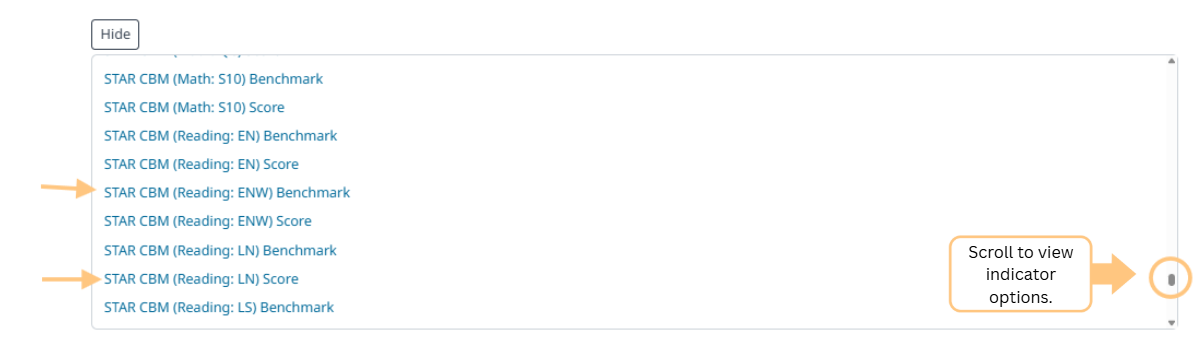
Click on the Indicator(s) you would like to include in your Progress Monitoring Measure Group.
-
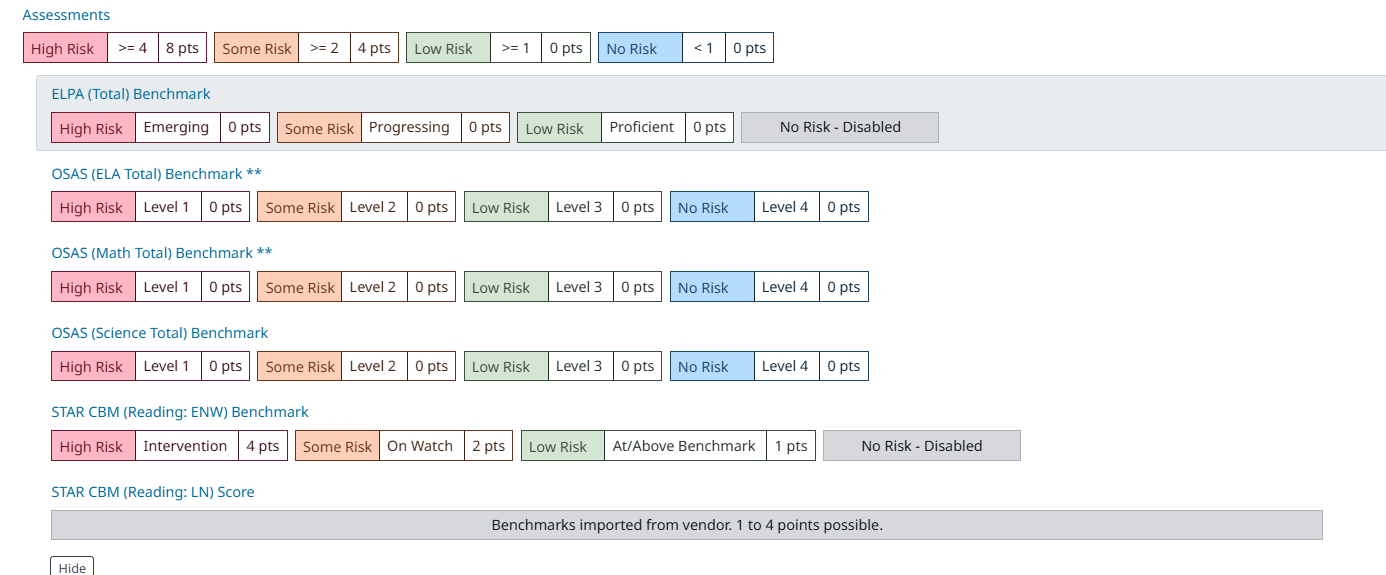
Indicators that you select will be listed out for you to view
-
Click Save to save the added indicator to your Measure Group