
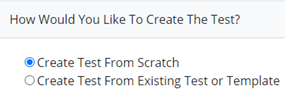
Select Create Test from Scratch
Basic Test Details
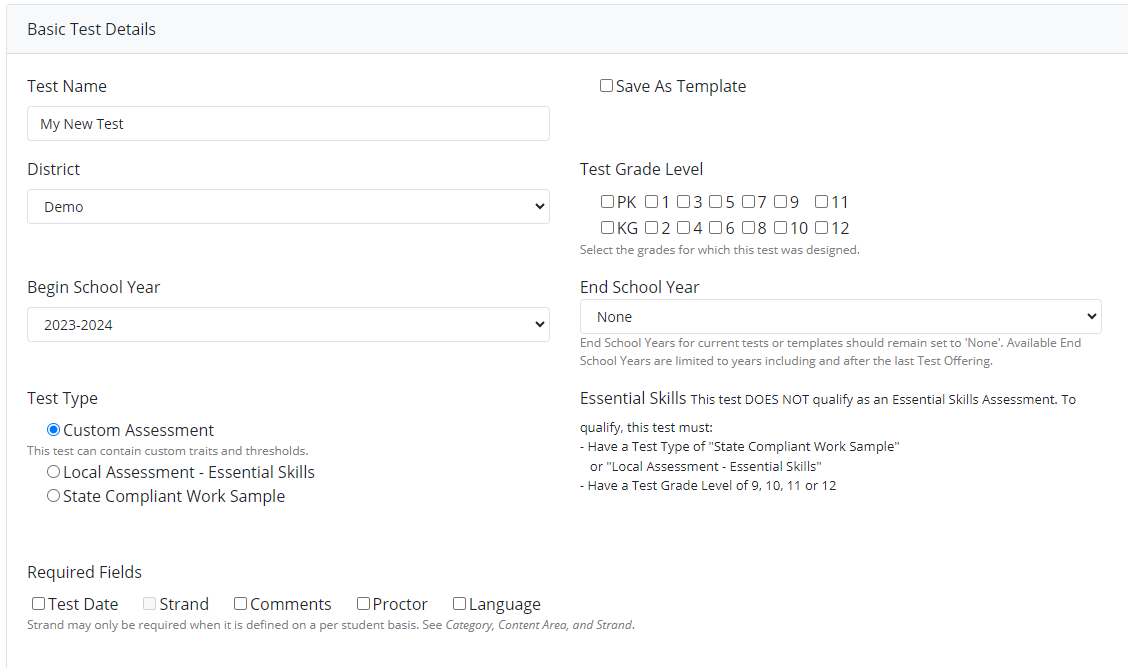
Type in Test Name:

Select the checkbox if the test will be a template:

Select District: The district will default to users' access

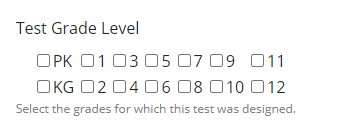
Select Test Grade Level:
Select the Begin School Year:

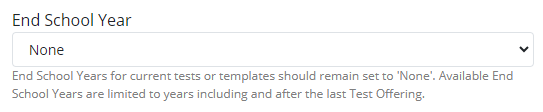
Select the End School Year:
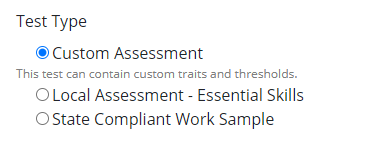
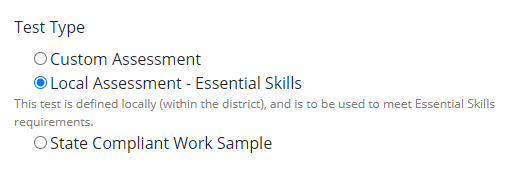
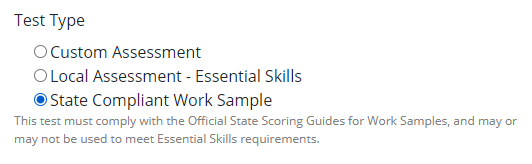
Select the Test Type
|
|
|
|---|---|
|
|
|
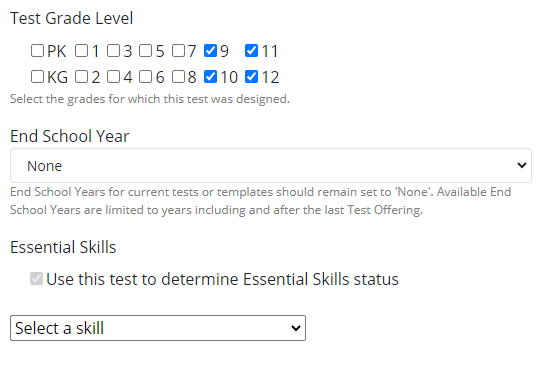
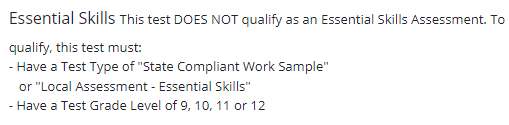
Grade level 9, 10, 11, or 12 must be selected in order to have a Local Assessment- Essential Skills to select from. |
|
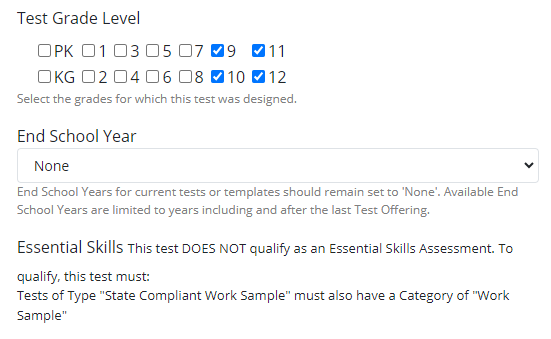
Work Sample must first be selected below in the Category, Content Area and Strand Section. 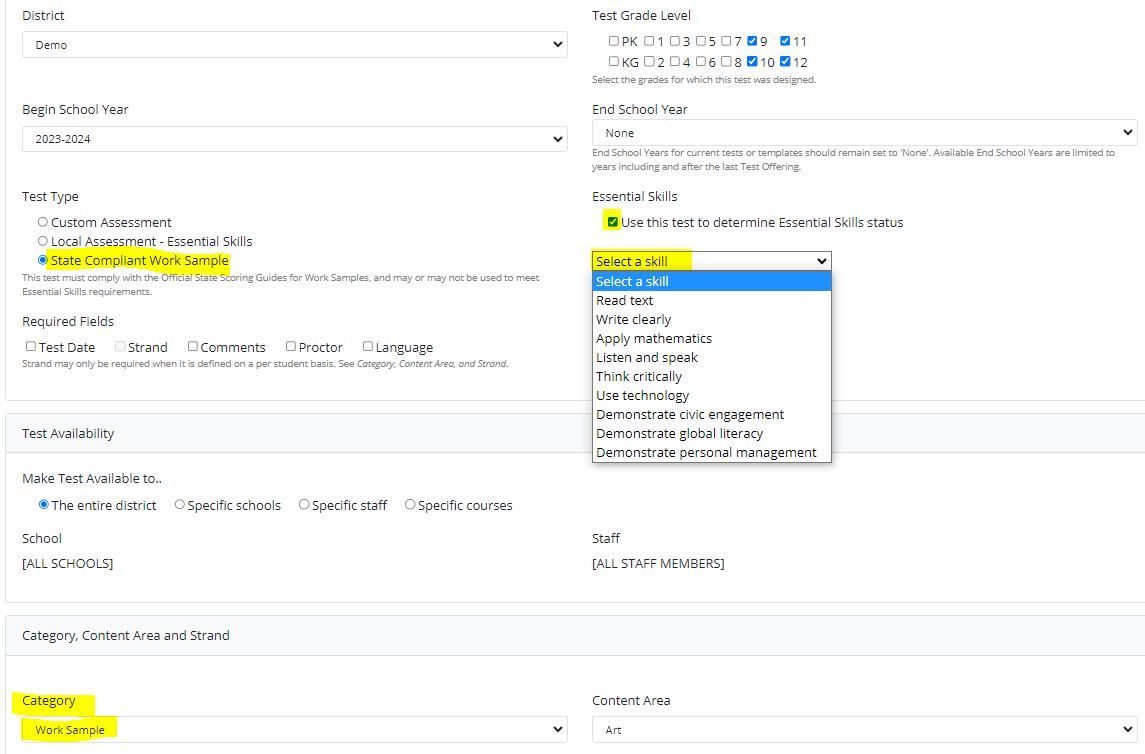
|
Test Availability
Select who the test is available to.

Category, Content Area and Strand
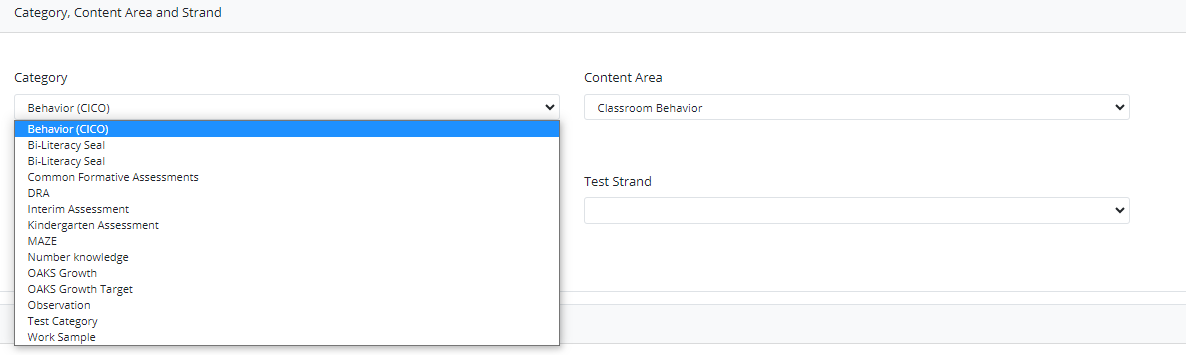
Select Category, Content Area and Strand
OR
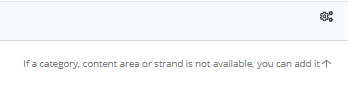
Create Category, Content Area and Strand

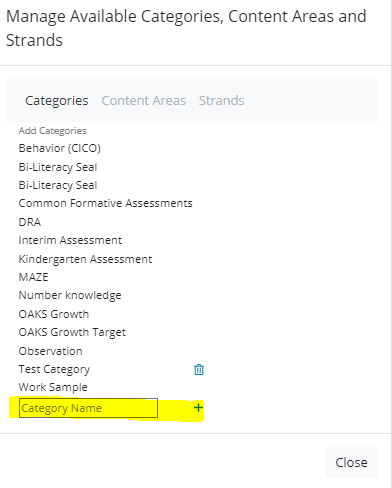
Create New Category
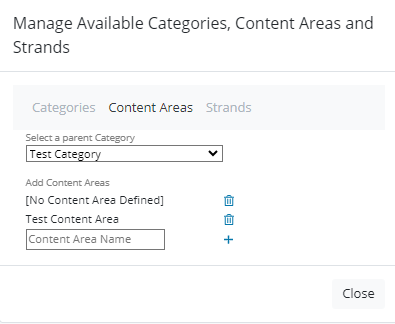
Create New Content Areas
Create New Strands
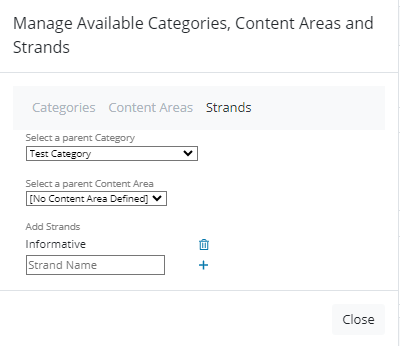
You may add as many strands as needed.
Offerings, Weight and Thresholds
Enter the Offering Date & Name

Select Trait Weight Method

Select/Edit Thresholds
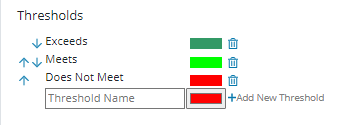
Scoring Traits
Select the +Add a Trait
Enter Trait Name, Trait Order, Data Type, Trait Required, Min Score, Grade Level Equivalency, Trait Weight, Possible Values, Trait Mode, Threshold Mode, Percentile Mode, Calculation Mode, and Thresholds.
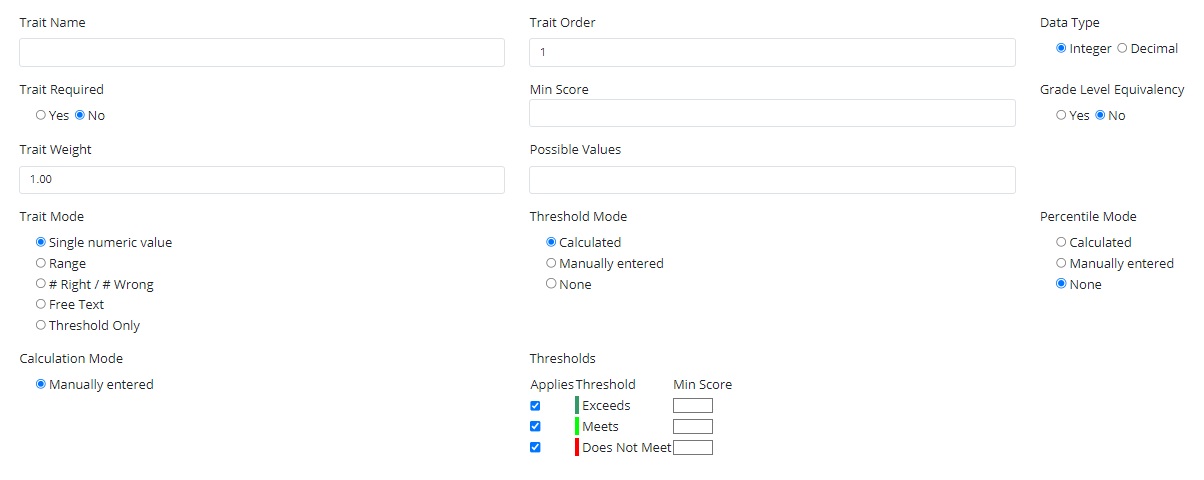
Select Add
You may enter as many traits as needed.
Trait Mode Options
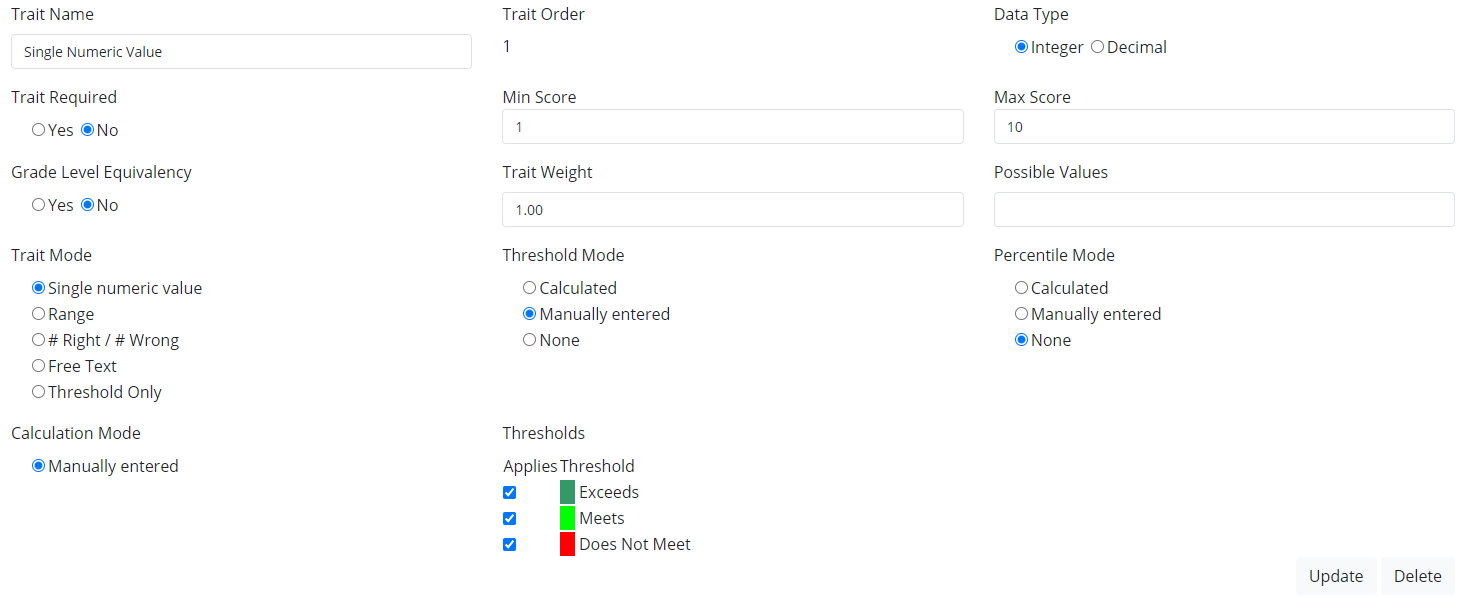
Single Numeric Value-
Use when entering a single numeric score
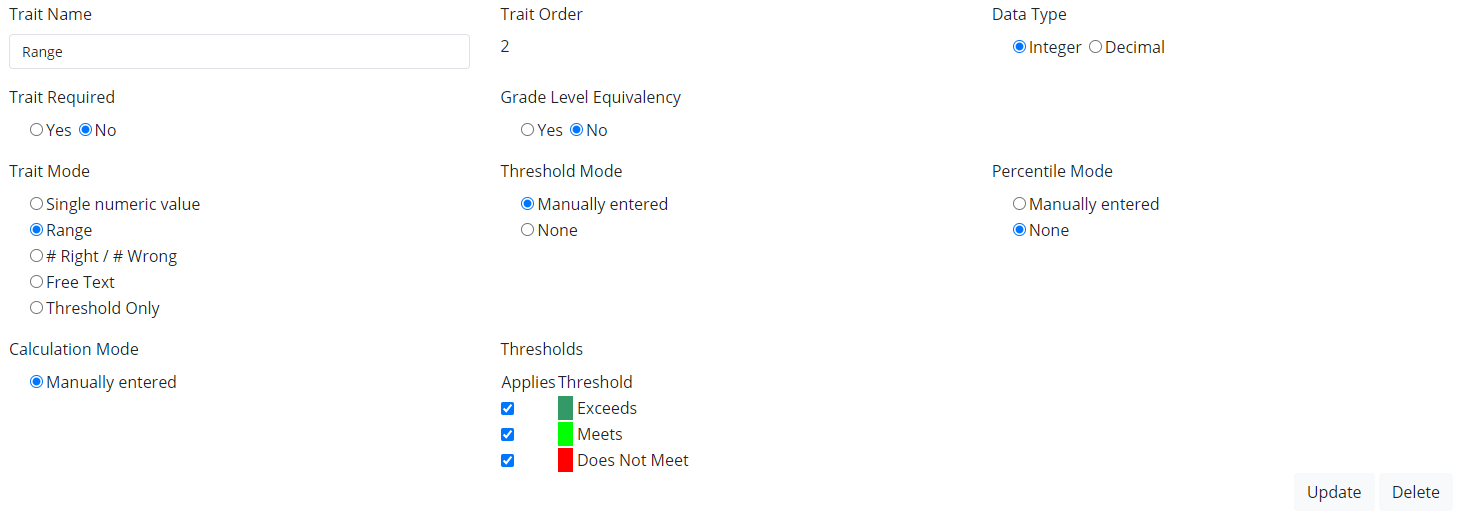
Range-
Use when entering a range score
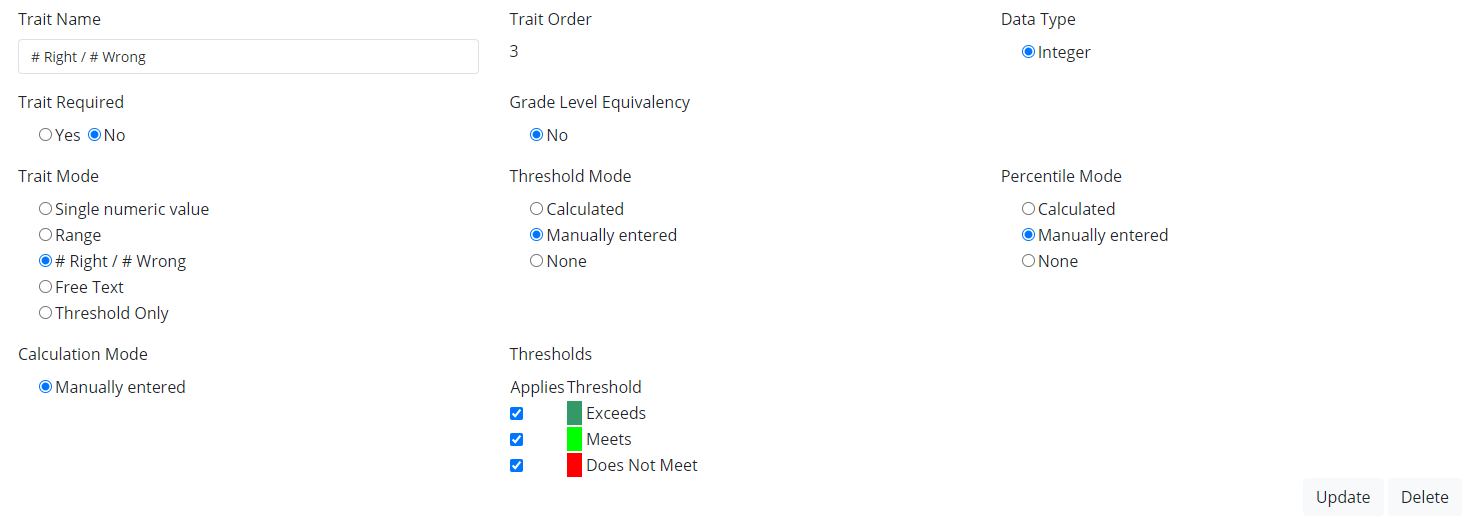
#Right/#Wrong-
Use when entering the total number of correct answers and the total number of wrong answers.
Free Text-
Use to enter any text into score value.
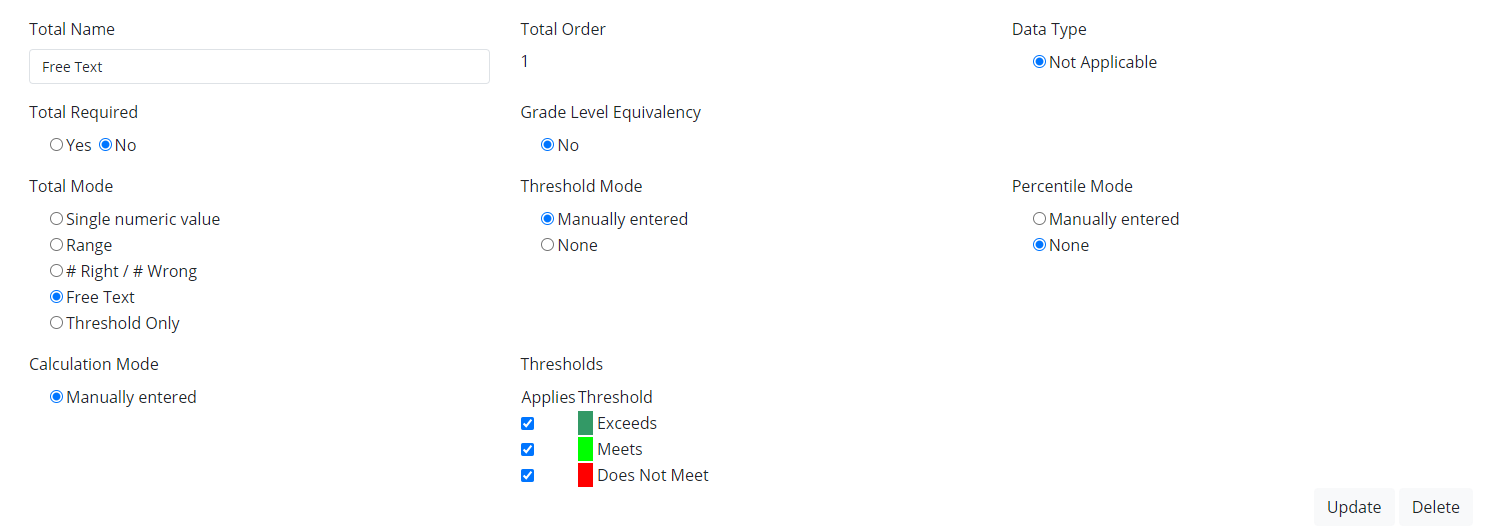
Thresholds Only- Use to enter threshold values.
*Created in Offerings, Weights, and Thresholds
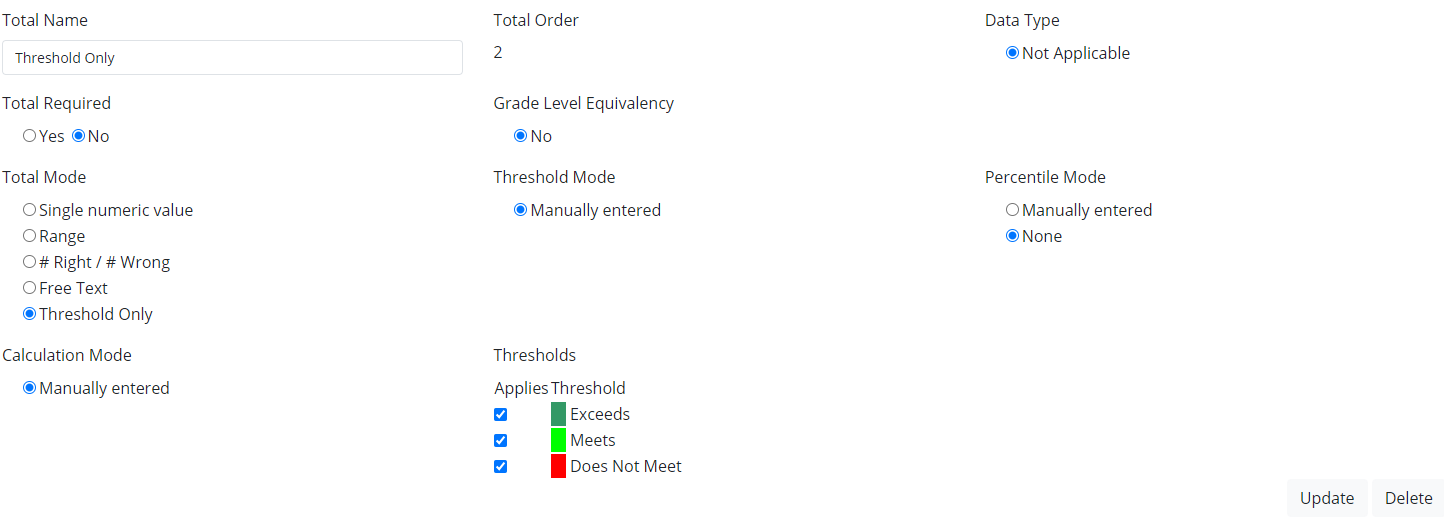
Scoring Totals
Select the +Add a Total
Enter Total Name, Total Order, Data Type, Total Mode, Threshold Mode, Percentile Mode, Calculation Mode, and Thresholds.
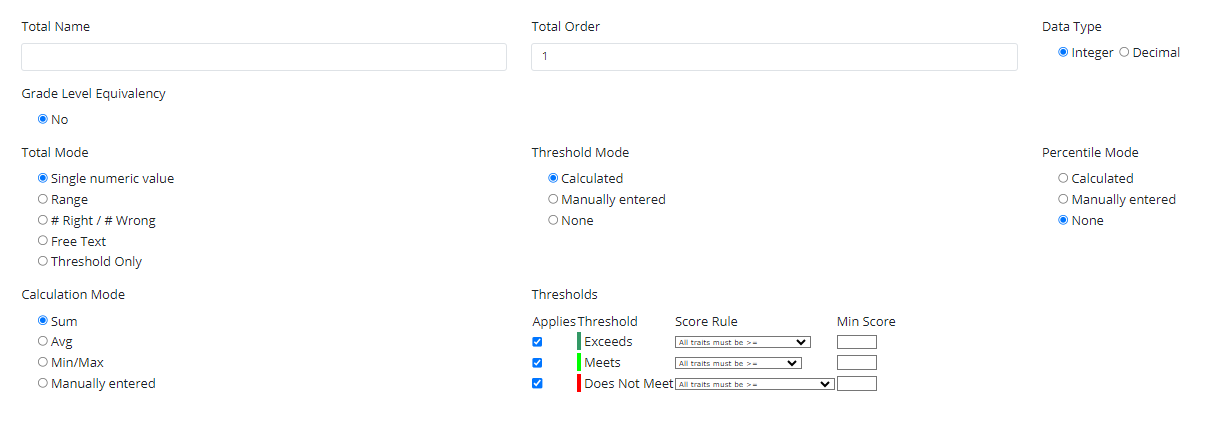
Select Add
Save Test
Select Save