

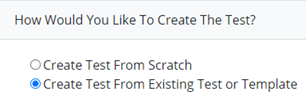
Select “Create Test from Existing Test or Template”
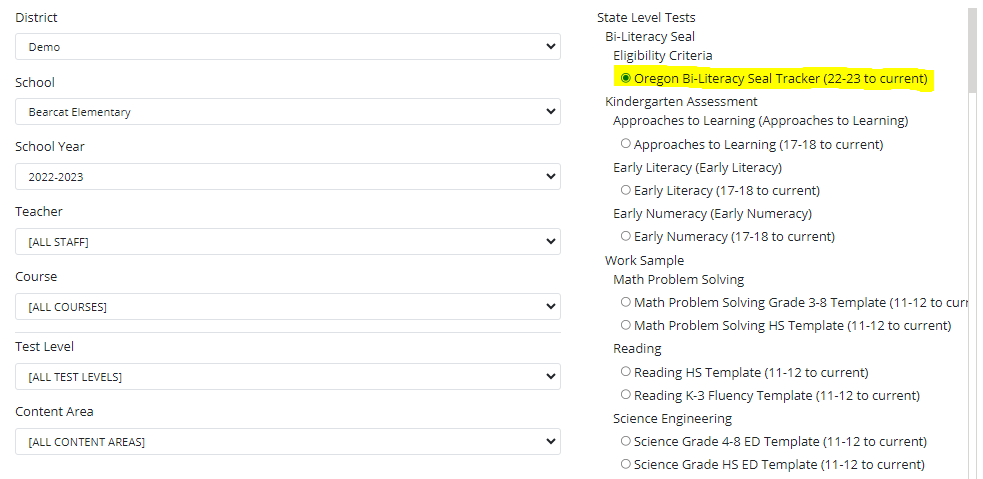
Make District, School, School Year, Teacher, Course, Test Level, and Content Area selections, then choose a test from the template list.
Basic Test Details
Edit/Update Basic Test Details
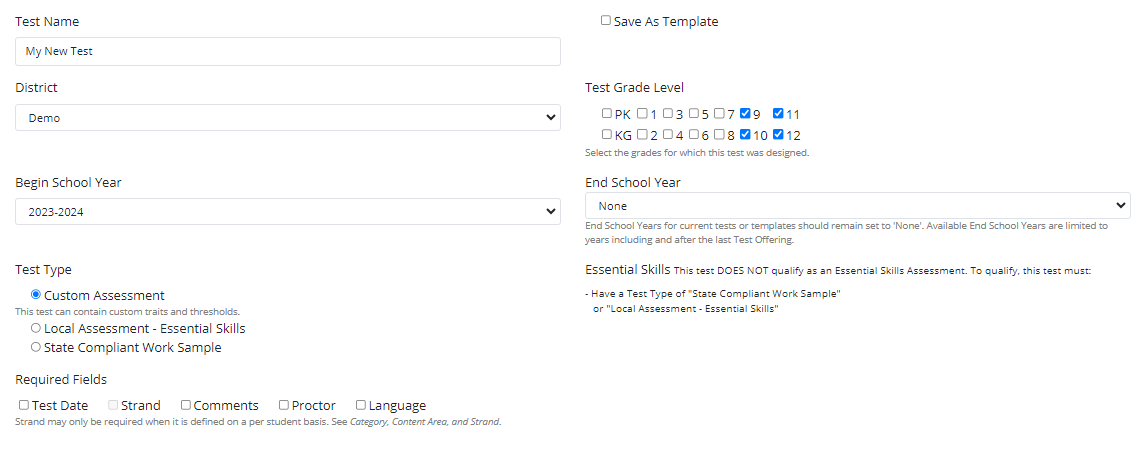
Make any necessary changes/edits-
Test Availability

Category, Content Area and Strand
Make any updates/edits to the Category, Content Area, or Strand fields

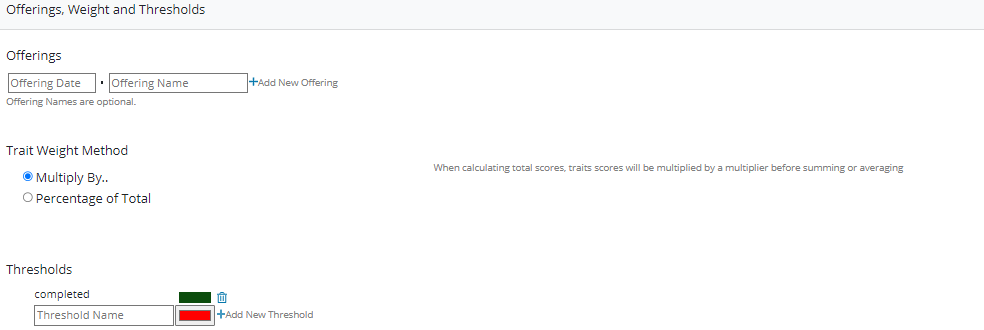
Offerings, Weight and Thresholds
Make any updates/edits/deletes to the Offering, Weight, and Threshold fields.
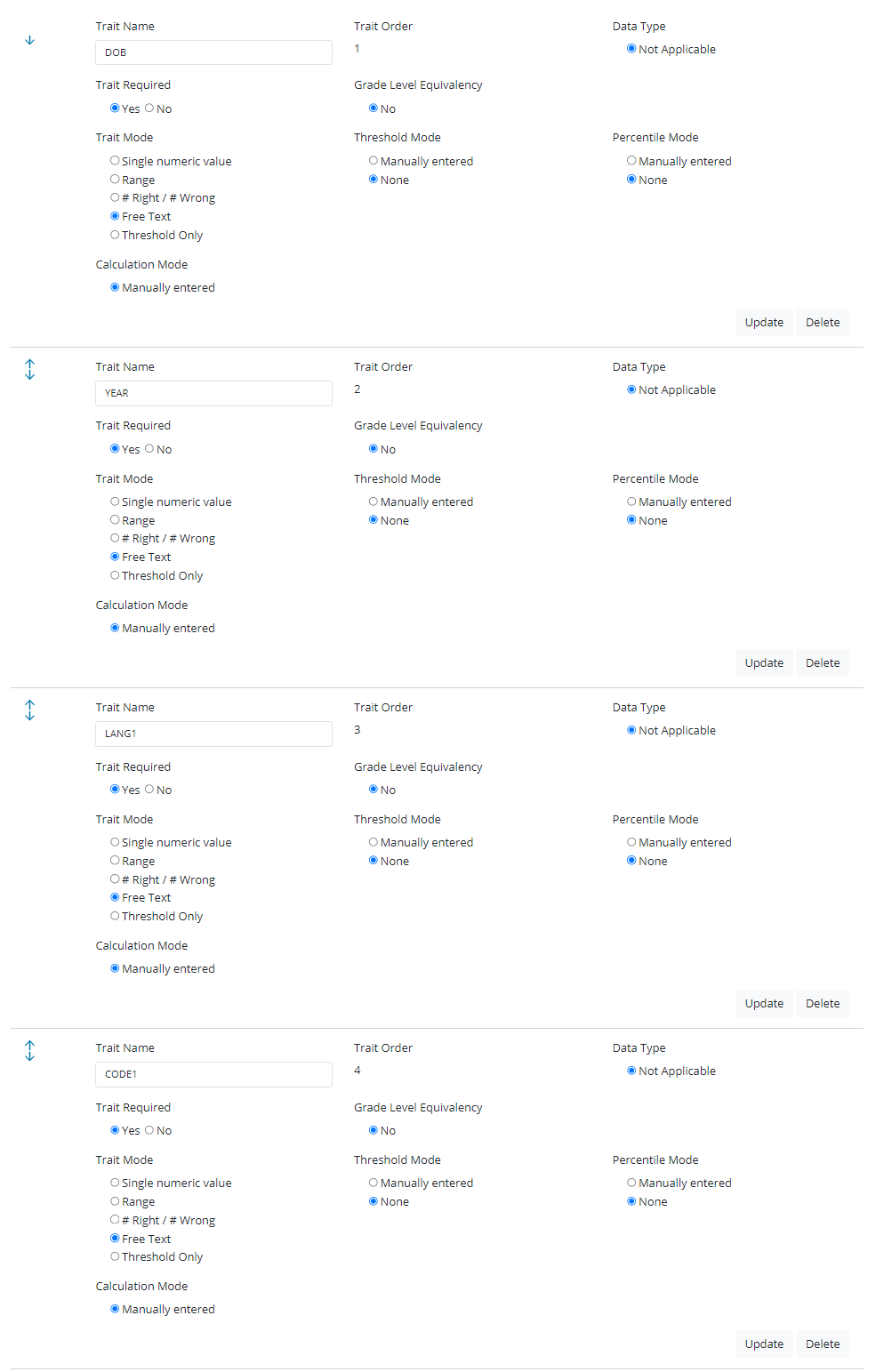
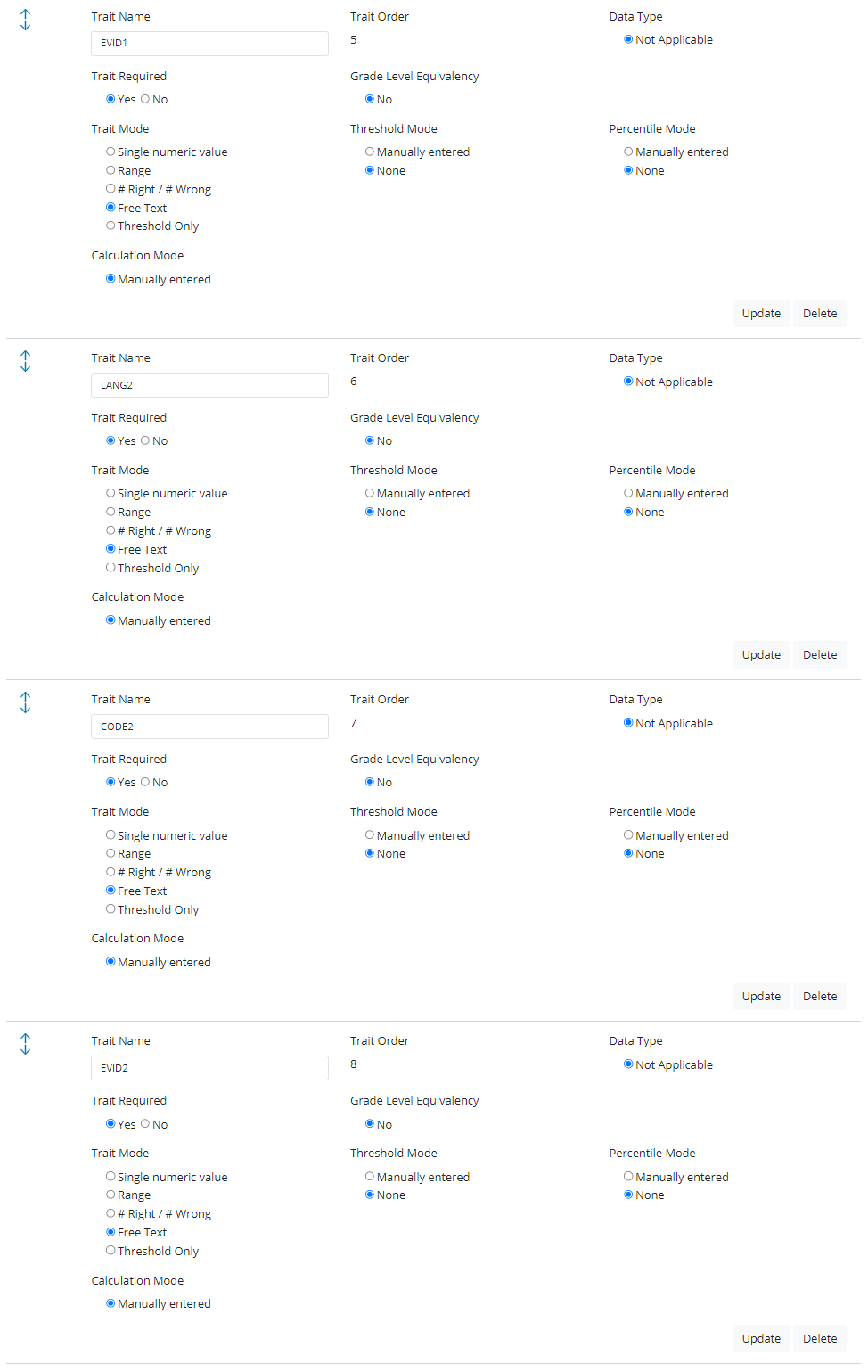
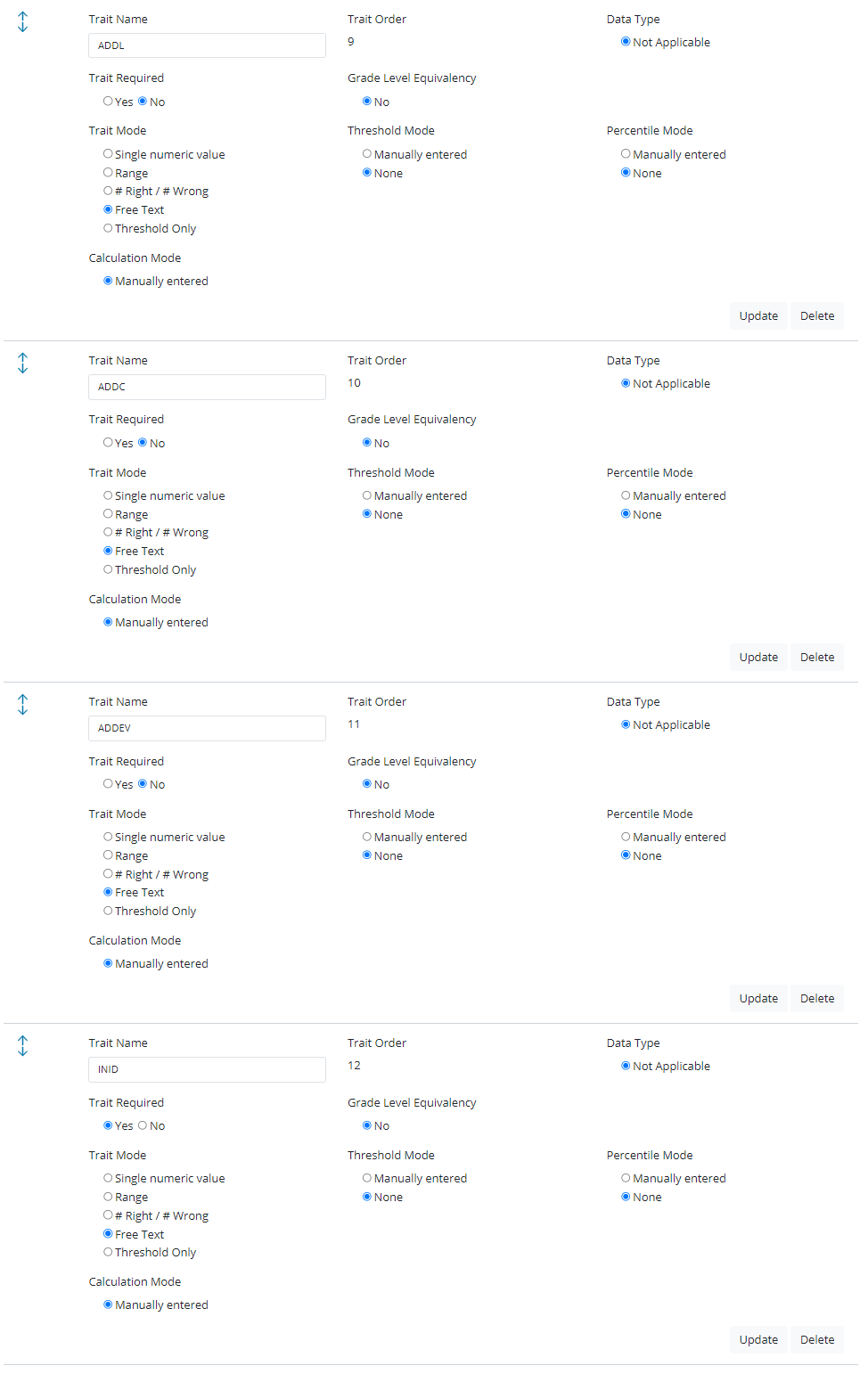
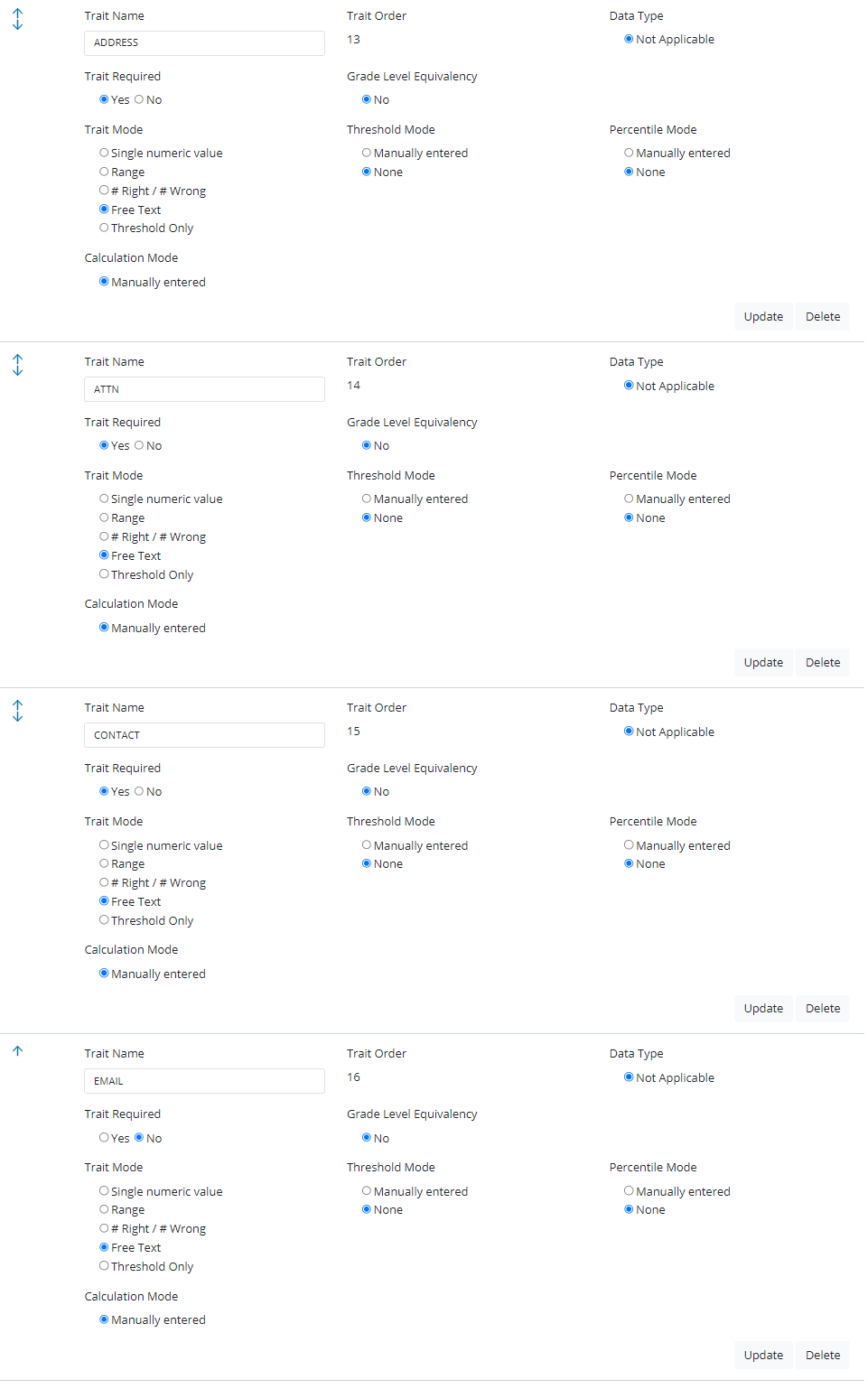
Scoring Traits-
Note this example is the OSSB M Request Form Template
Make any updates/edits/deletes to the Scoring Trait fields.
Add a new trait (if needed)
Scoring Totals
Add scoring scale (if needed)

Save Test
Select “Save”
